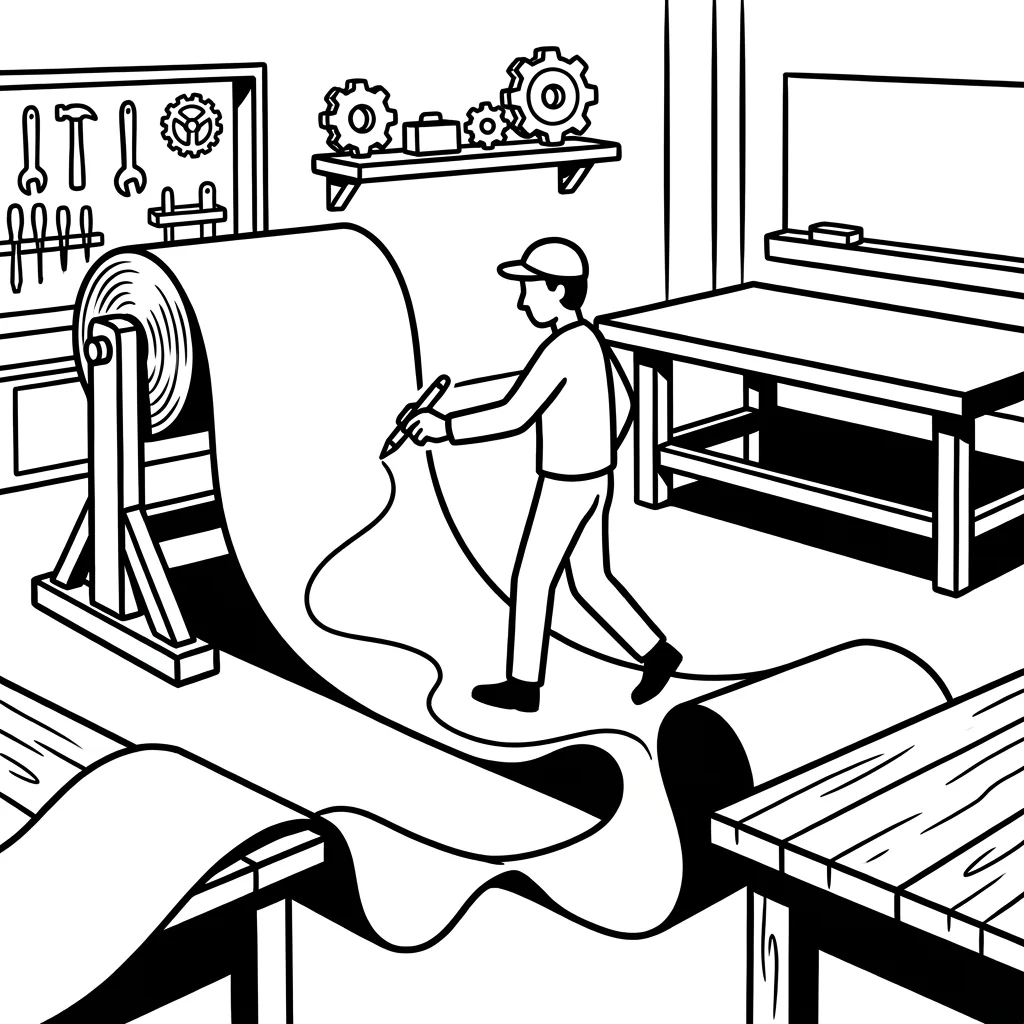
At the end you haveThe as-is process as it really runs, with throughput time, media breaks and the spots where it gets stuck every day.
1 / 3
Walk it with the people.
We follow the process to where it really runs, not into the org chart.
Most mid-sized companies digitised long ago: an ERP, a CRM, a document system. And still the order travels through the company by email, Excel and shouting across the room. For us, transformation does not mean "new tool", but: bringing processes, people and systems together so that work runs through, and AI later finds something it can work with.
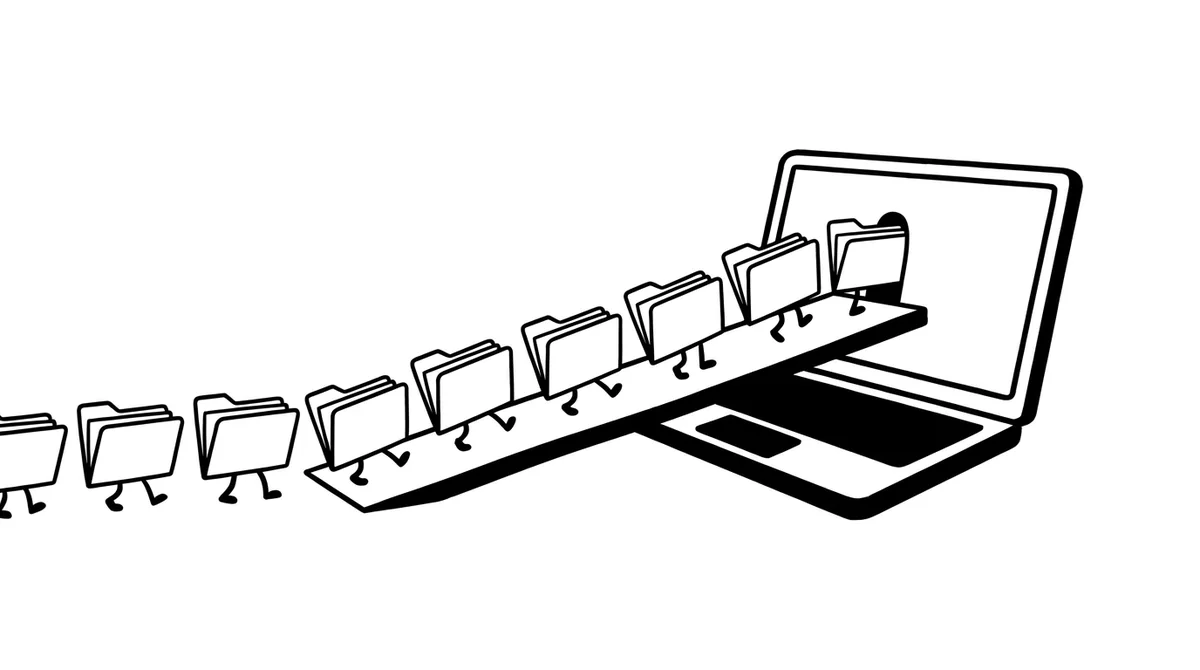
A process is only digital when it runs through without a printout, without retyping and without "let me just ask". That takes three things at once.
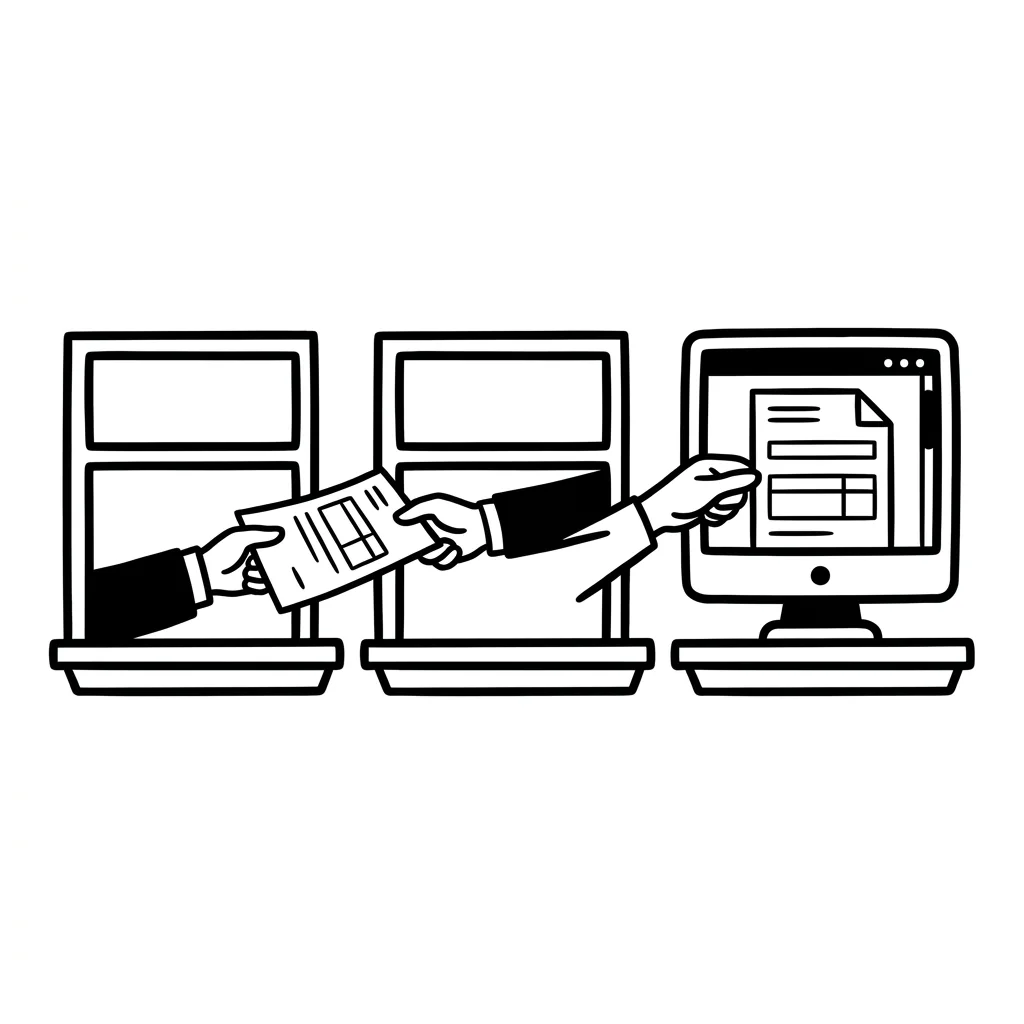
From enquiry to invoice thought of as one flow, not as five departmental islands. Media breaks out, responsibilities in, throughput time measurable.
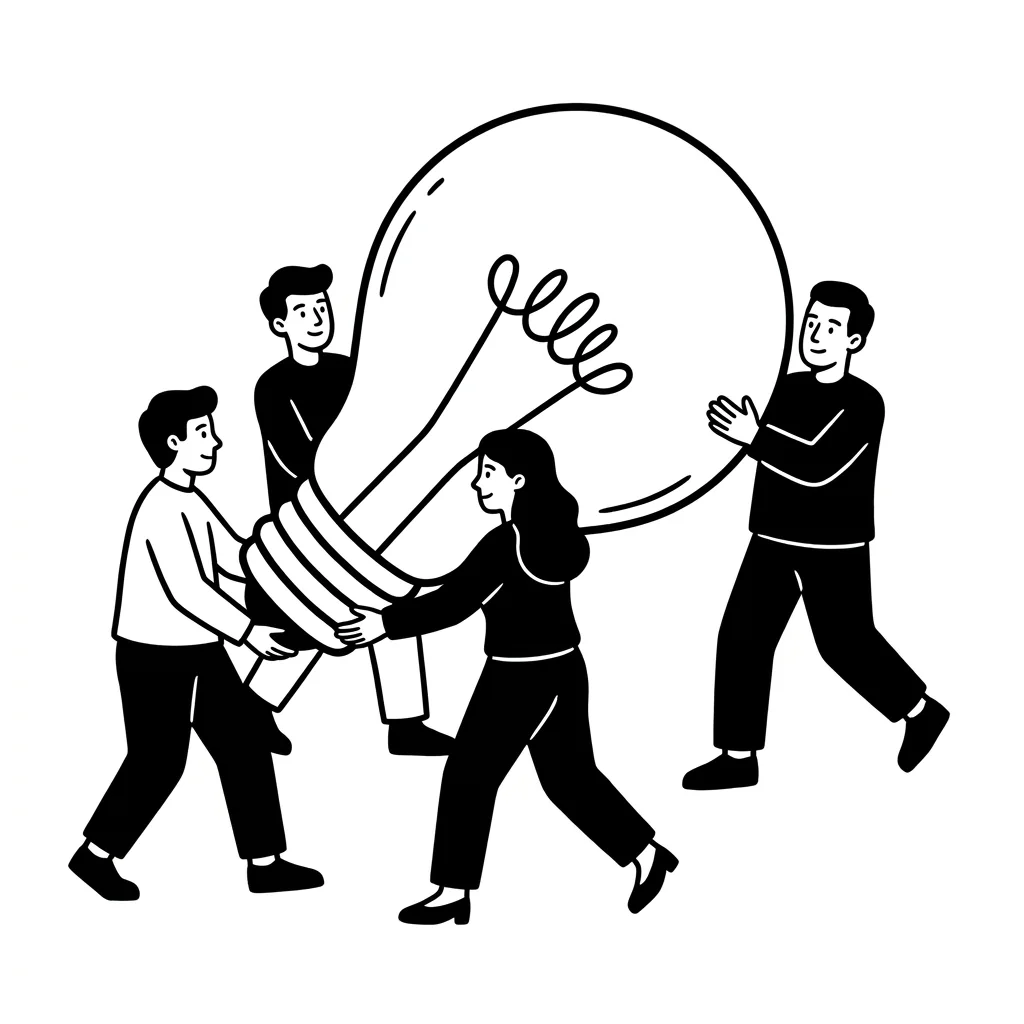
The people who do the process every day help shape it. Training, clear roles and a pilot area where you can see that it gets better, before everyone switches.
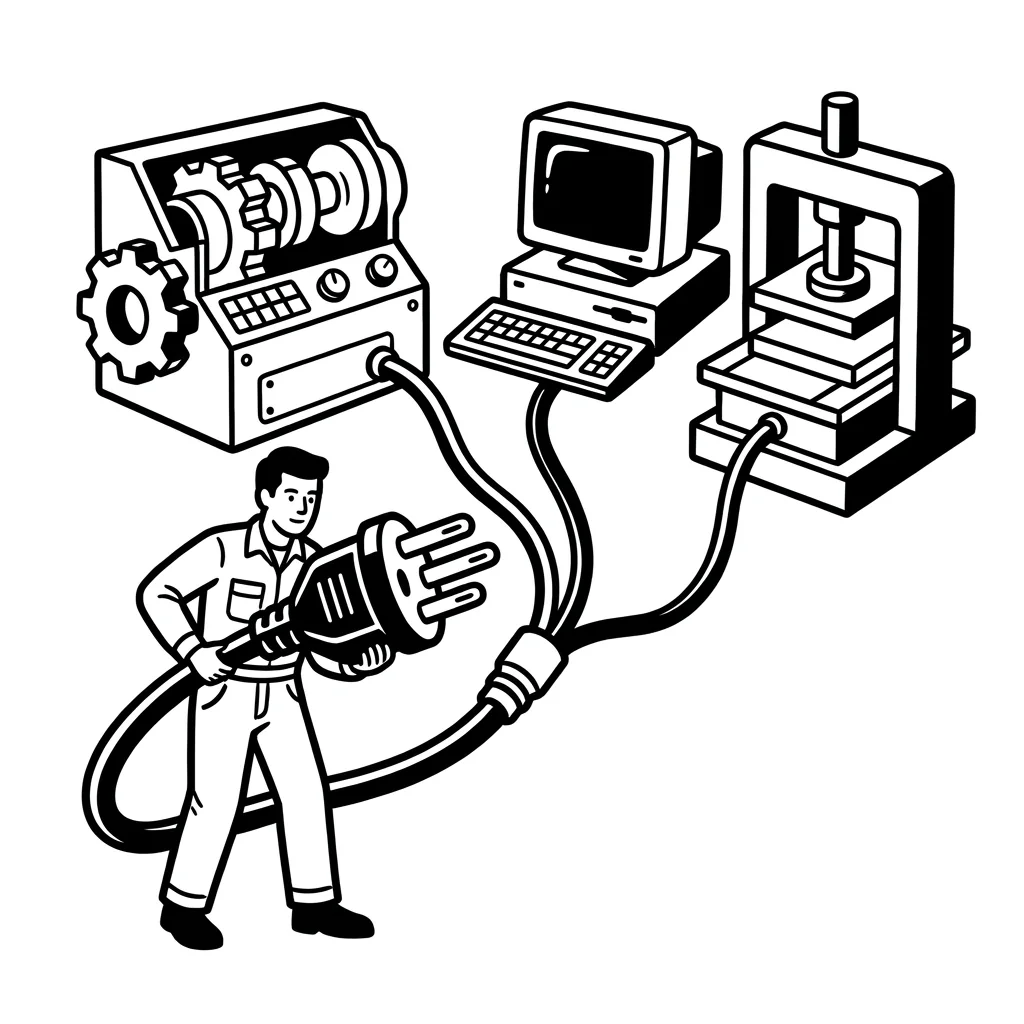
ERP, CRM, documents and machines talk to each other, via standard interfaces instead of special hacks. That keeps the landscape maintainable and ready for agents.
This is how a customer enquiry runs in many companies today: email, Excel, phone, ERP, printout, signature, email again. Every transition costs time, and every one is a spot where something gets lost.
Switch over: The same order after the transformation. Not less work that counts, less work that is only passing things on.
before: the same order is typed three times.
01
At the end you haveThe as-is process as it really runs, with throughput time, media breaks and the spots where it gets stuck every day.
02
At the end you haveThe target process with the tools it needs, standard where possible, interfaces where necessary, AI where sensible.
03
At the end there runsThe new process in the pilot area, with metrics, trained people and a plan for how the rest follows.
At the end you haveThe as-is process as it really runs, with throughput time, media breaks and the spots where it gets stuck every day.
1 / 3
We follow the process to where it really runs, not into the org chart.
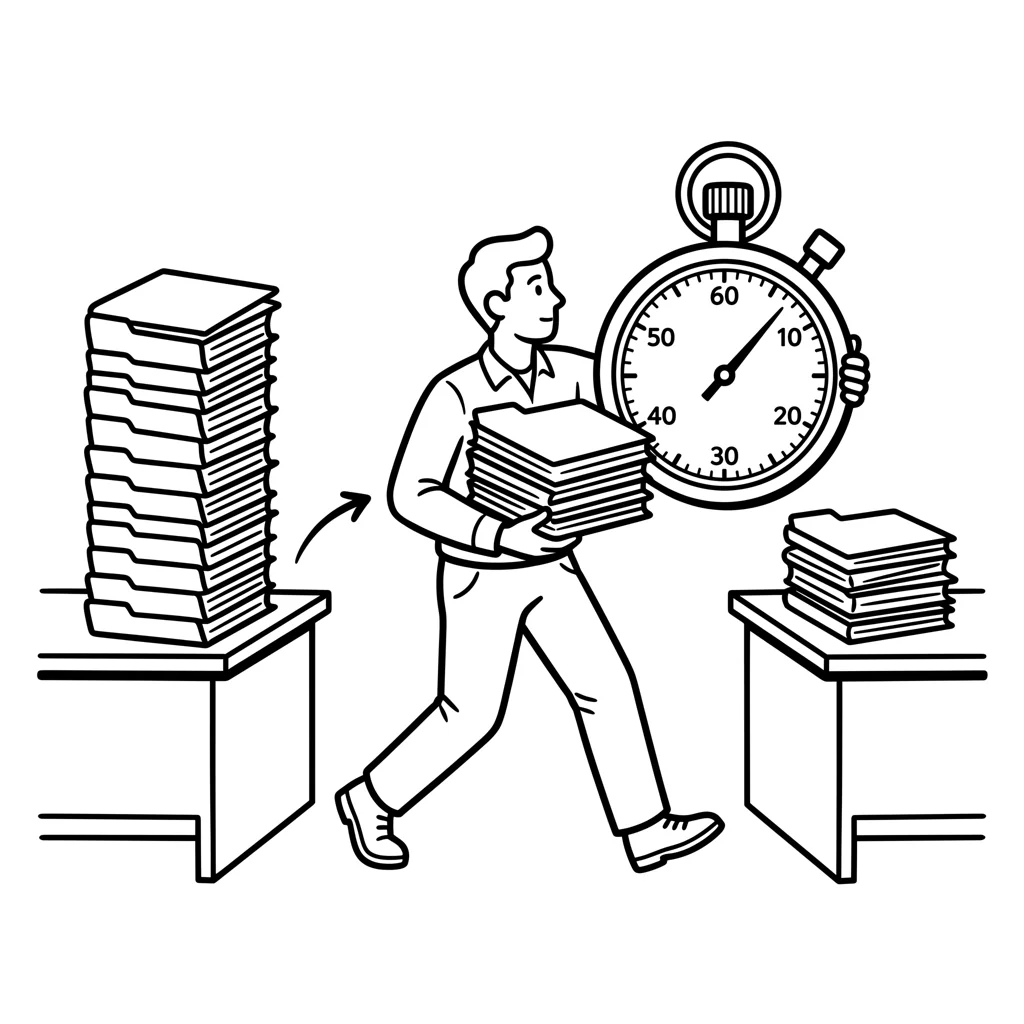
2 / 3
Throughput time, handovers, rework: numbers from your daily work, not from slides.
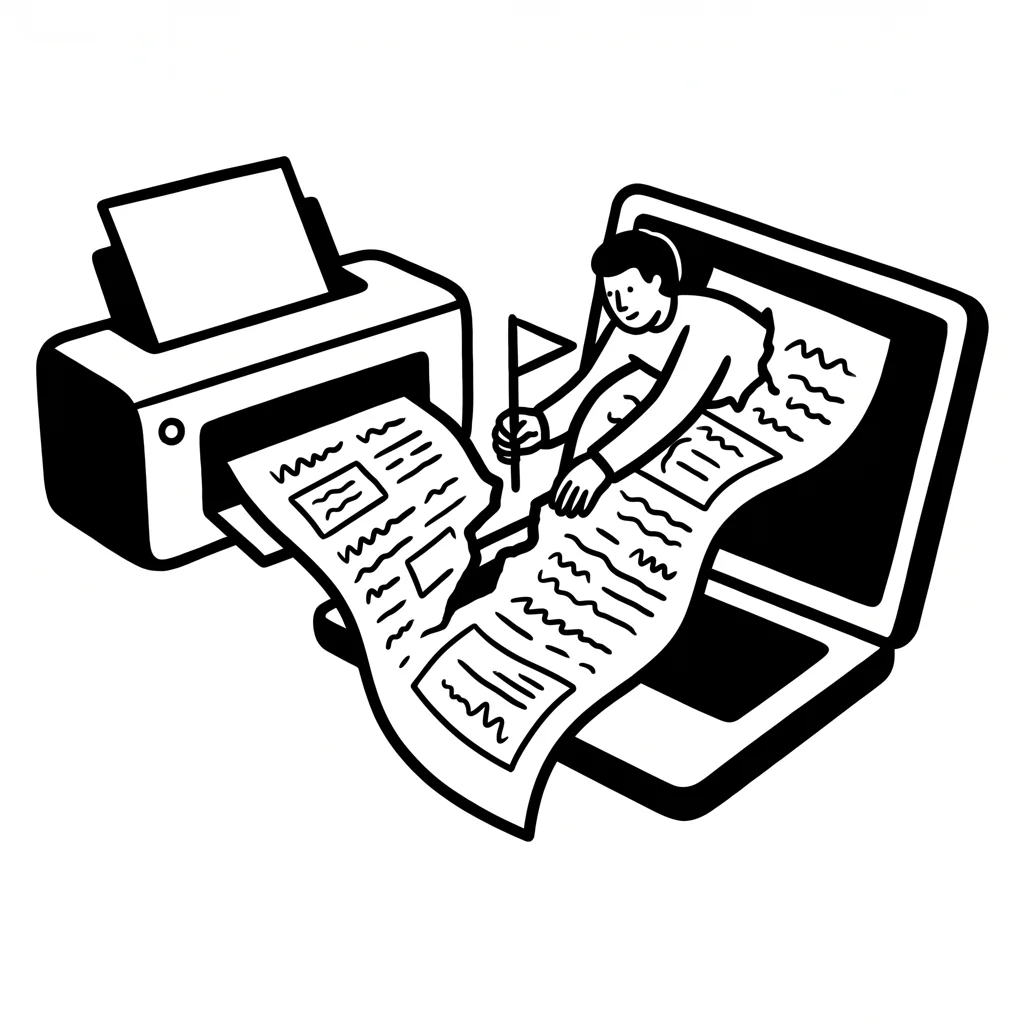
3 / 3
Printouts, shouts across the room, double entries, every spot where it gets stuck every day.
At the end you haveThe target process with the tools it needs, standard where possible, interfaces where necessary, AI where sensible.
1 / 3
First the process as it should run, with the people who carry it.
2 / 3
Use existing software better, close gaps with standard, AI where it takes work off you.
3 / 3
Who decides, who checks, who maintains, so that it keeps running after the project.
At the end there runsThe new process in the pilot area, with metrics, trained people and a plan for how the rest follows.
1 / 3
One area that wants it, that is where the new flow is proven in daily work.
2 / 3
The people can do it, the metrics show whether it holds.
3 / 3
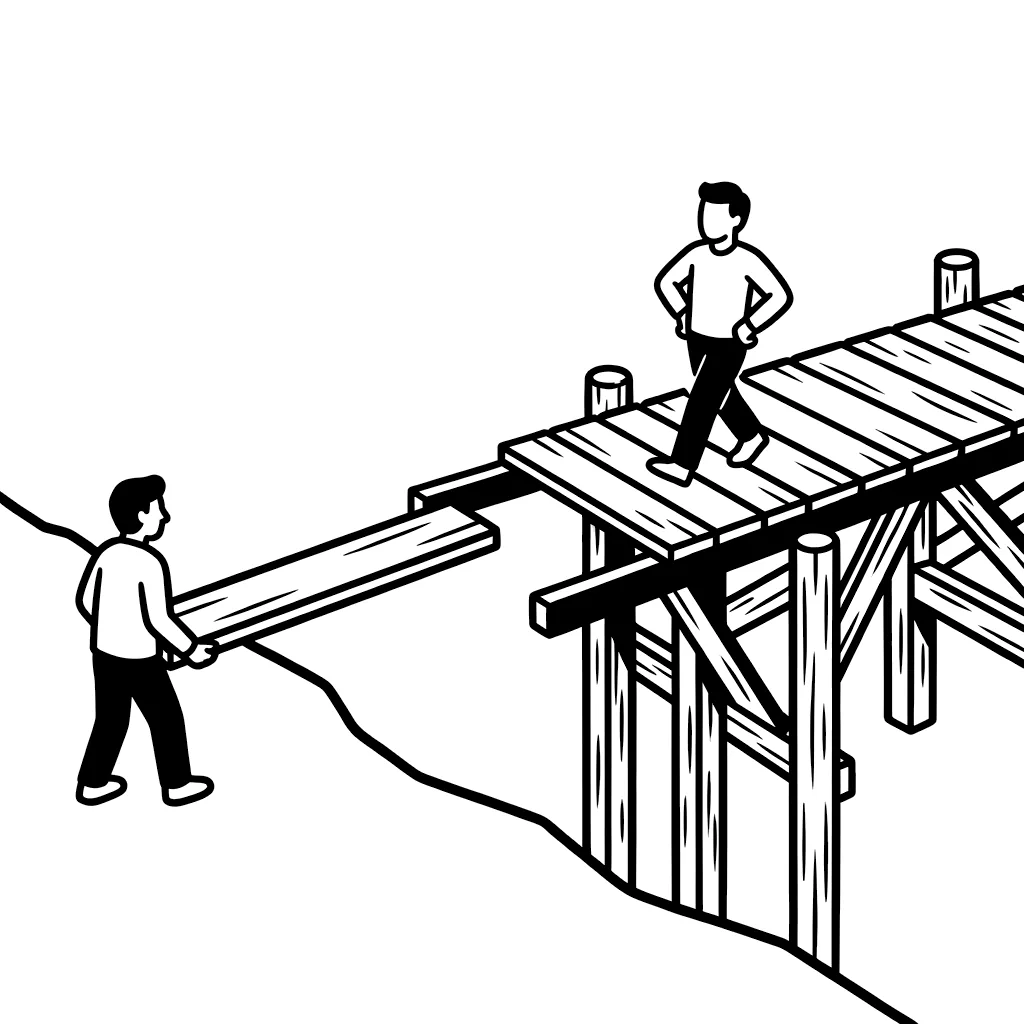
Only then does the next area follow. That keeps operations stable while they change.
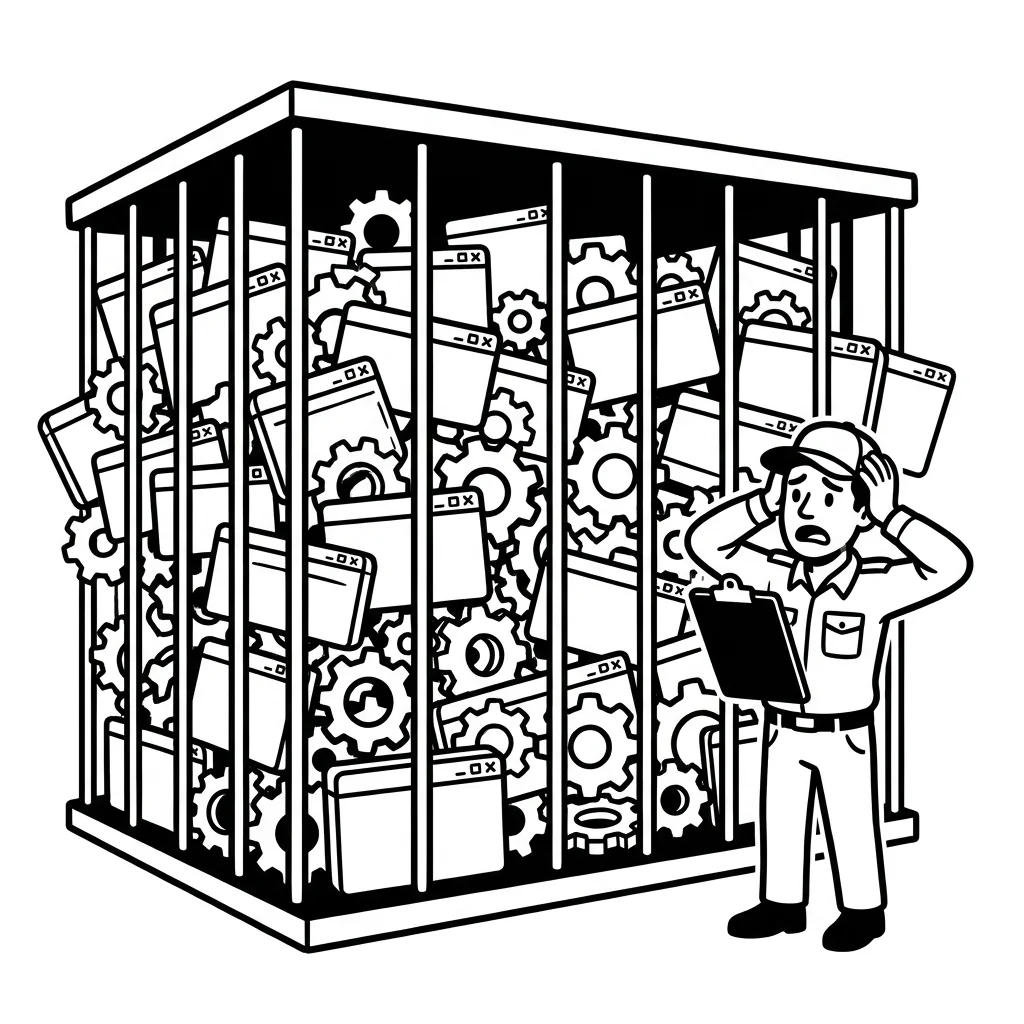
Every new piece of software without a process behind it is another enclosure that wants looking after. We only introduce tools when it is clear which work they take over, and which old solution goes in return.
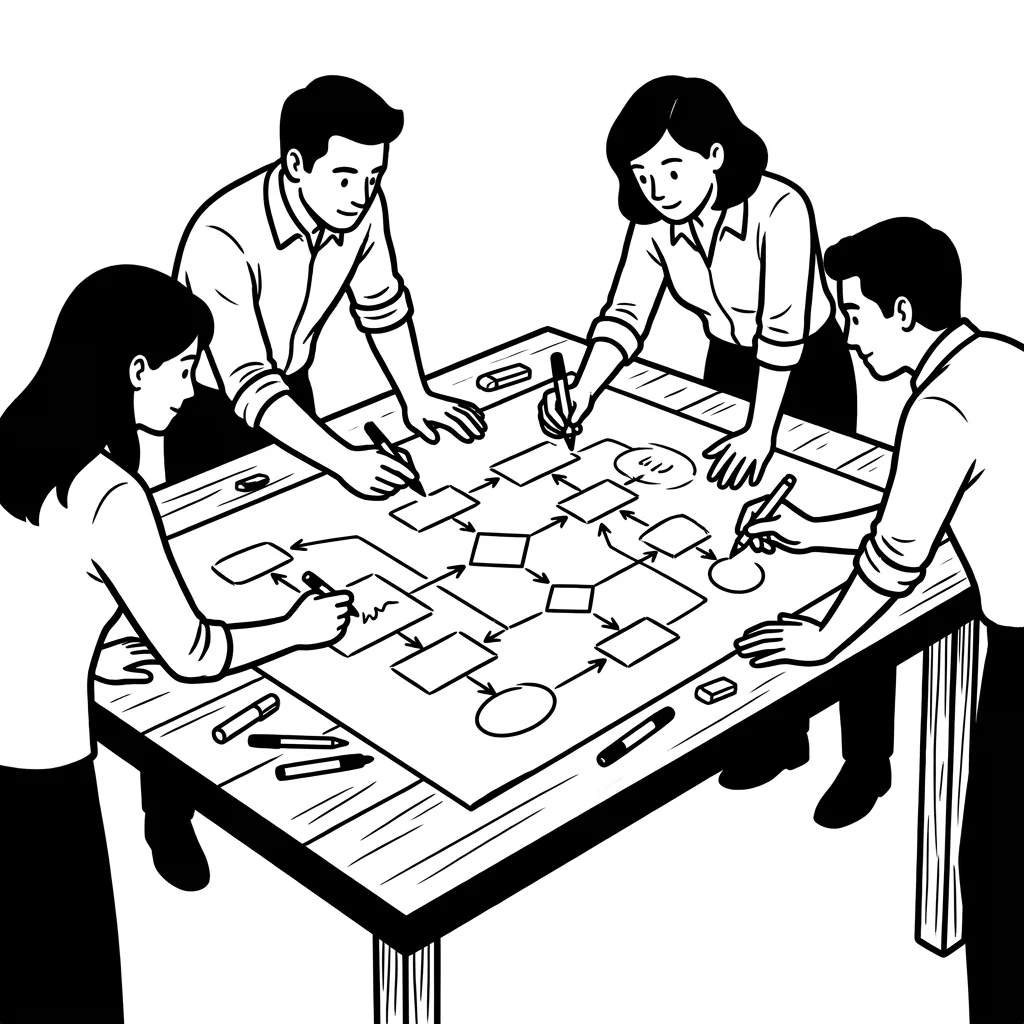
A process the staff did not help shape gets bypassed, at the latest after the third special case. That is why the people from the business sit at the table from the start.
One process, one measurable goal, one pilot, that is how it starts.
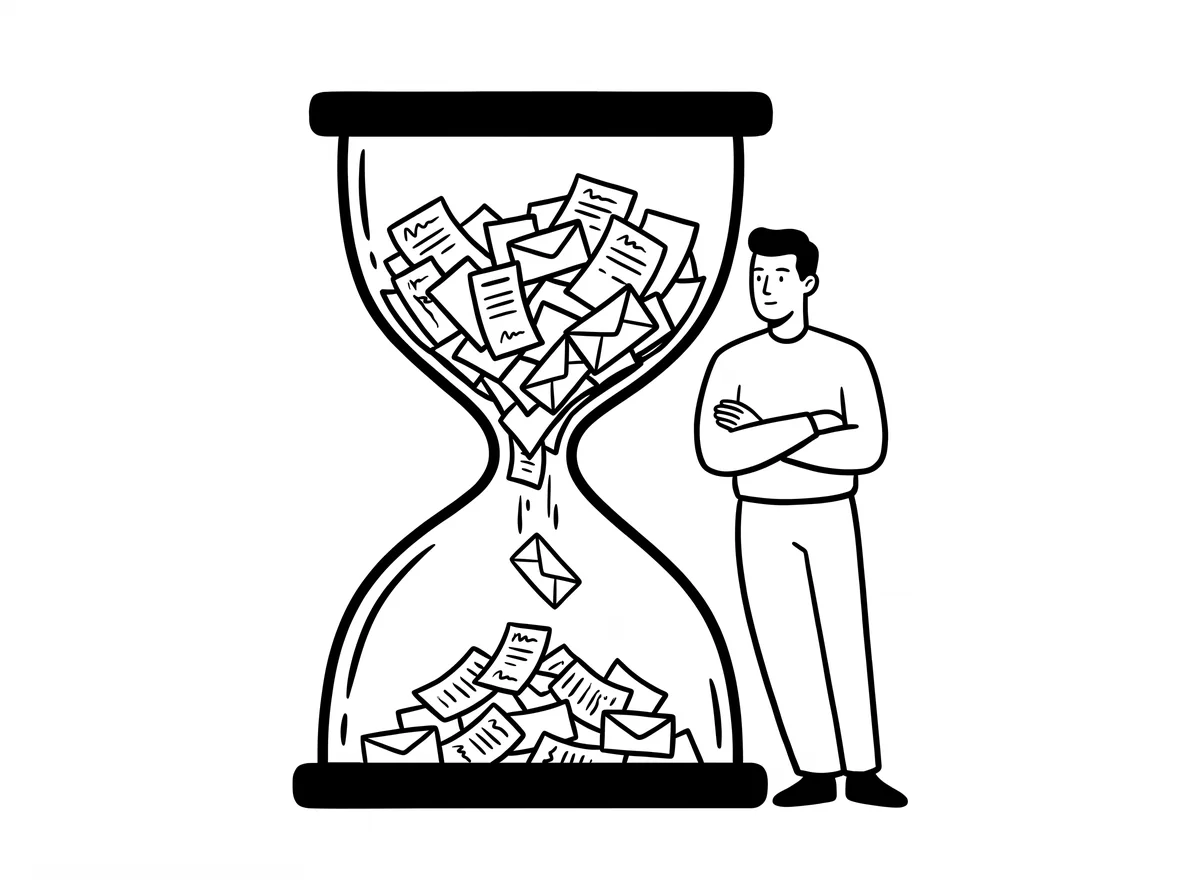
An ERP is a tool, not a process. If orders still travel through the company by email and Excel, that is rarely down to the system but to workflows that were never rethought. That is exactly where we start, often with the software you already have.
With the process that eats the most time or produces errors most often, usually order processing, quoting or goods receipt. One area, one measurable goal, one pilot. Then the next.
By letting them shape the process instead of having it imposed. Whoever sees in the pilot that the rework disappears becomes an ambassador. Training is part of it, but the better flow convinces more than any presentation.
The first process is understood in weeks and switched over in months, depending on the system landscape. What we avoid: a mega project over years that only shows something at the end. Every step must work on its own.
Everything. Agents and automation need processes that run digitally end to end, and data that is not stuck in printouts. Whoever tidies up the workflows today can put AI on top of them tomorrow, without starting over.