IT
MODERNIZATION.

Old does not mean bad, but at some point it gets in the way.

The ERP from back then, the Access database in accounting, the program only one colleague still understands: it runs, and that is exactly why nobody dares to touch it. Until no interface fits anymore, no update works and no agent can reach the data. We modernise step by step, during running operations, without a big bang.

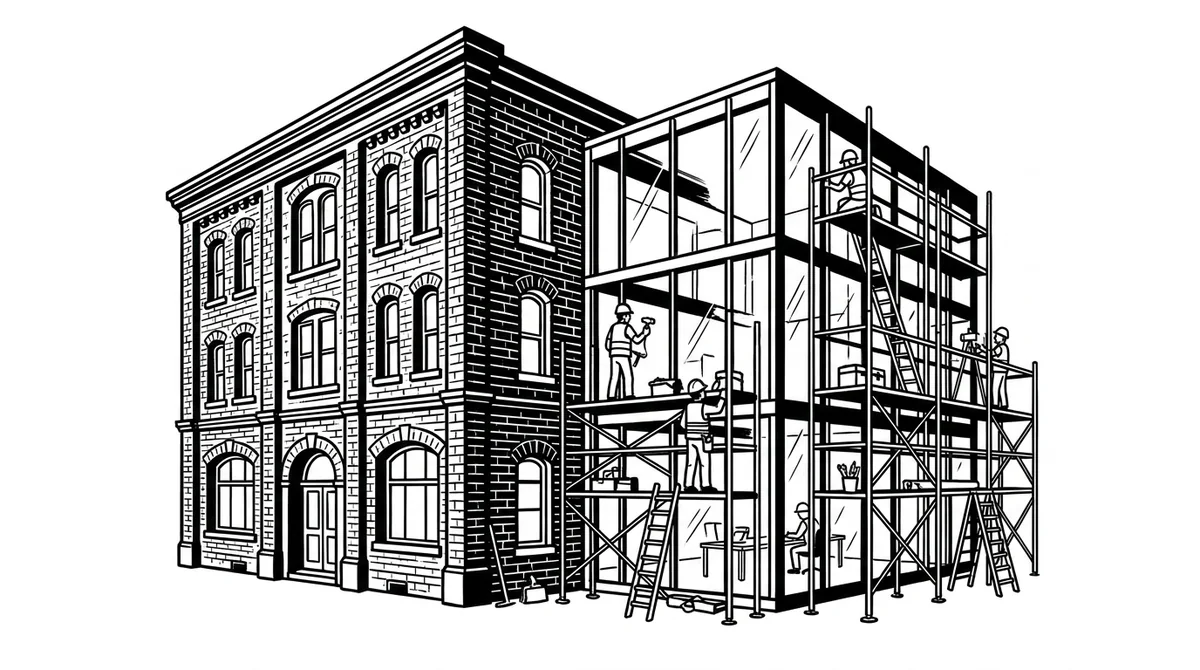
A new glass extension is attached to an old brick building, workers on the scaffolding

What we modernise.

Not everything old has to go. But everything that stops you from growing gets a plan, and a sequence.

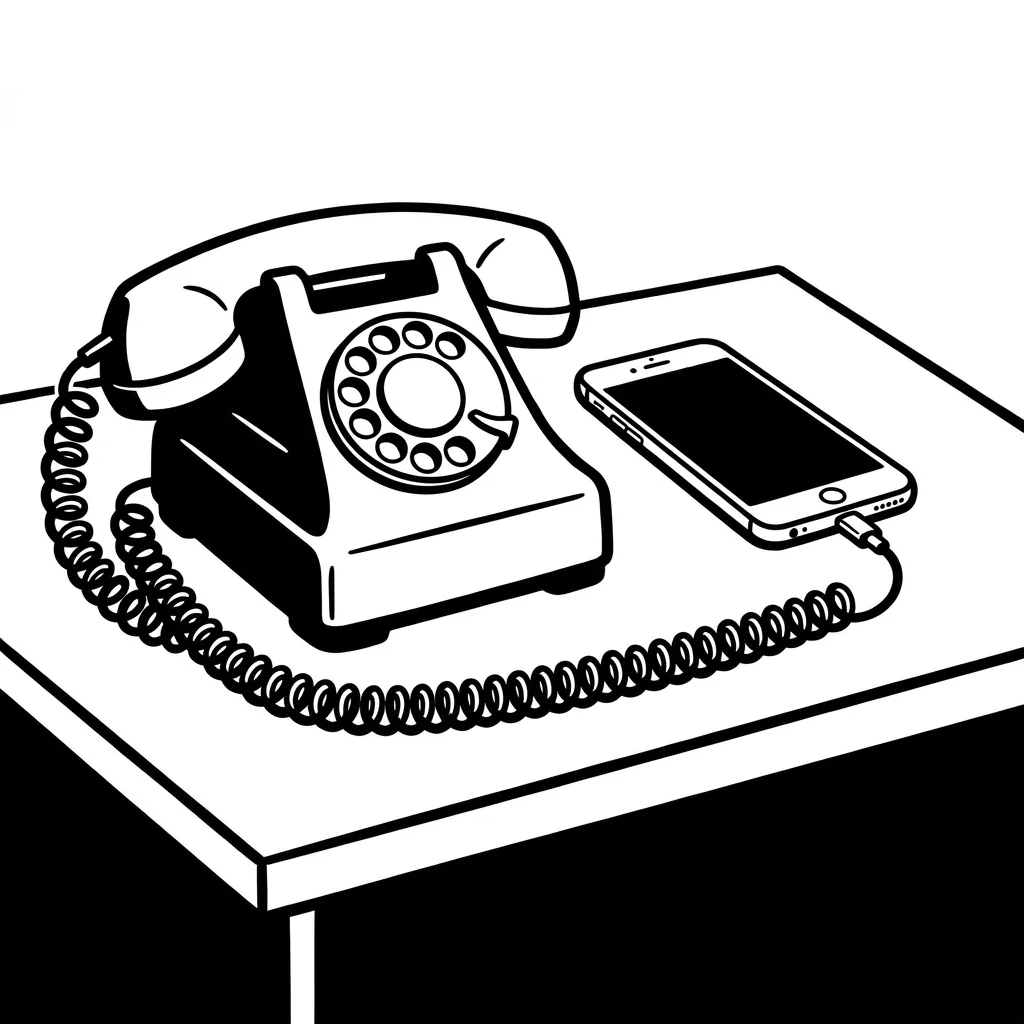
An old rotary phone and a smartphone on the same desk, still connected by cable

Applications.

Transfer grown programs into an architecture that is maintainable, with AI-assisted analysis and migration, automatically generated tests, and without losing the business logic inside.

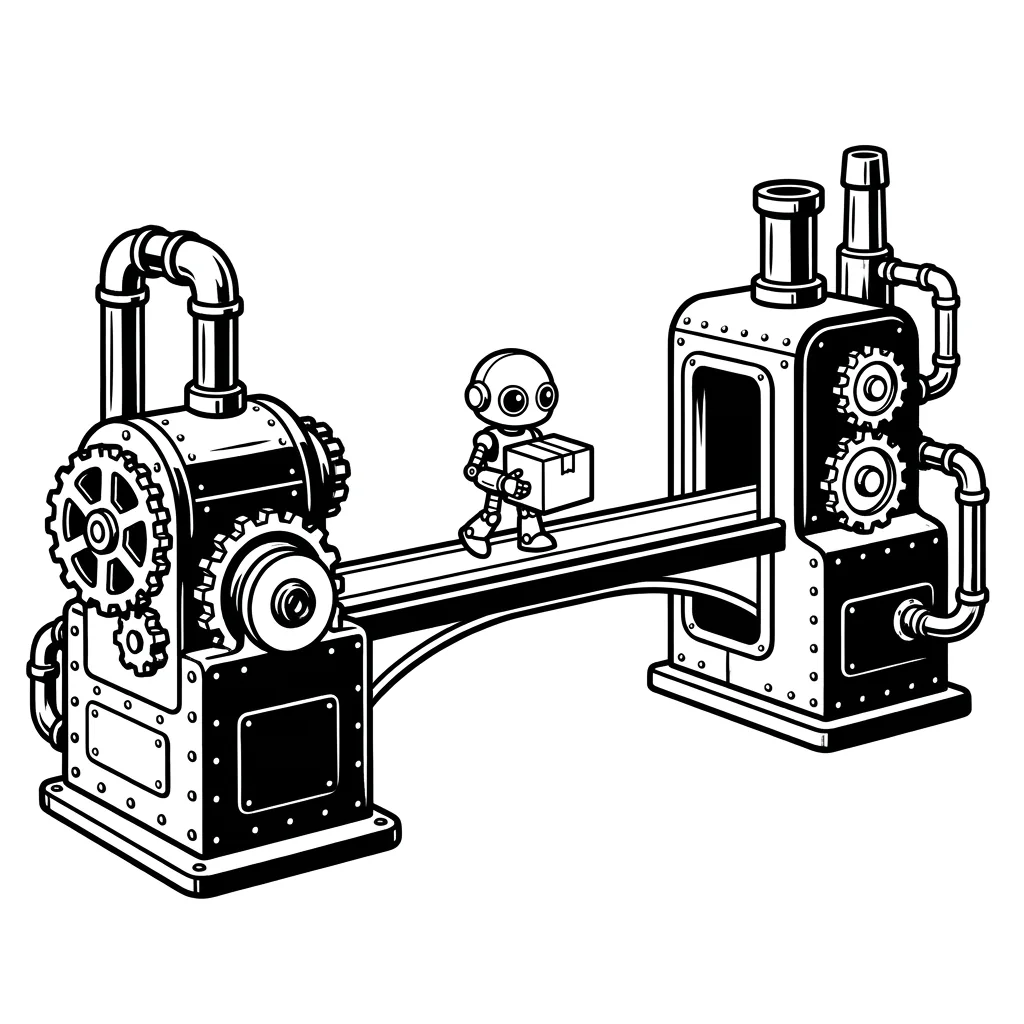
Two old machines are connected by a modern bridge, a small courier robot crosses it

Interfaces.

No more night runs and file drops: systems exchange data via interfaces, immediately and traceably. That is the prerequisite for everything that follows: analysis, automation, agents.

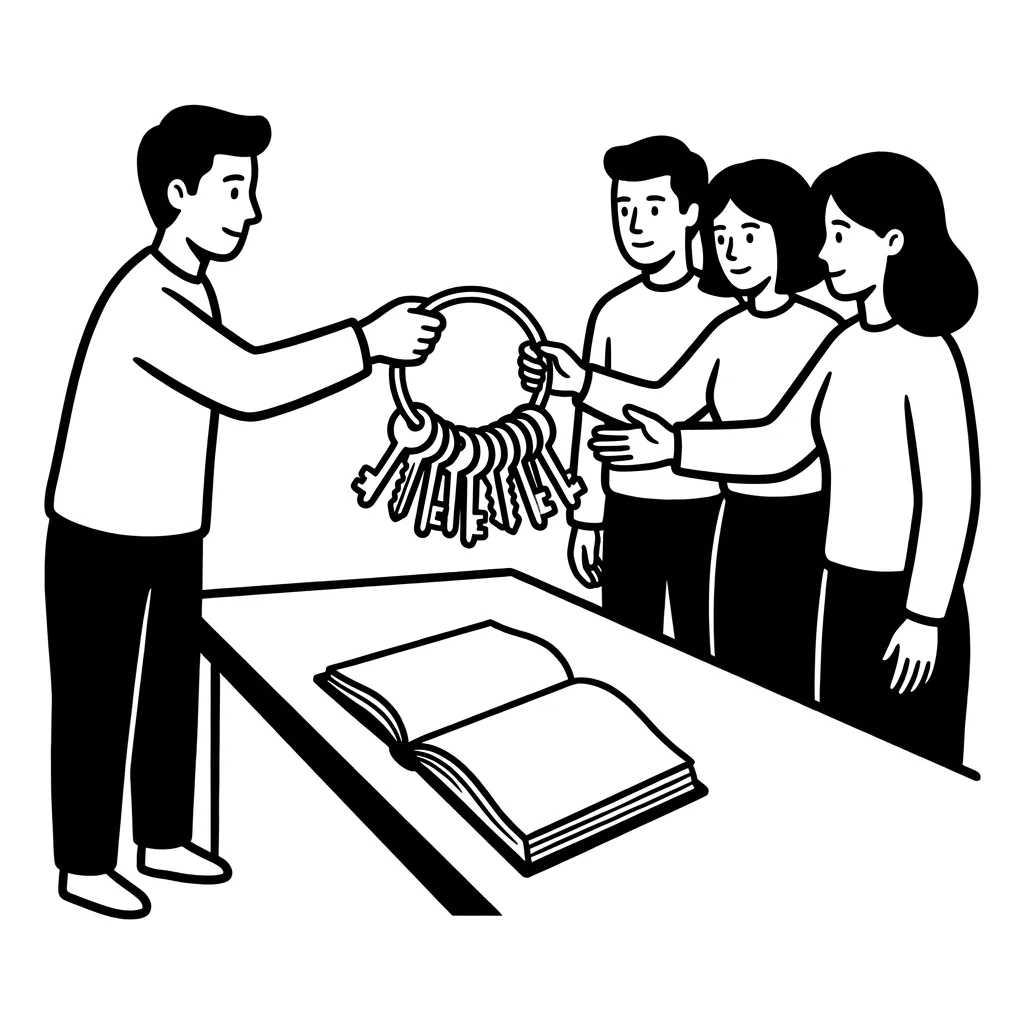
A person hands a team a large bunch of keys, a manual lies on the table

Operation & knowledge.

Make updates possible again, dissolve dependencies on individual people, documentation someone can read. So that the system does not become again what it was.

Module by module, never everything at once.

You do not replace a legacy system over a weekend. We cut it into modules, rebuild the first, reroute the traffic, and the old module only goes off once the new one holds. That is how the system rejuvenates without ever standing still.

The order decides: First the modules that slow you down most or are riskiest, not the ones that would be easiest.

legacy system · modules0 of 6 replaced

system never stopped. old and new run side by side until switch-over.

How we proceed.

Three steps. Each ends with something you hold in your hands.

01

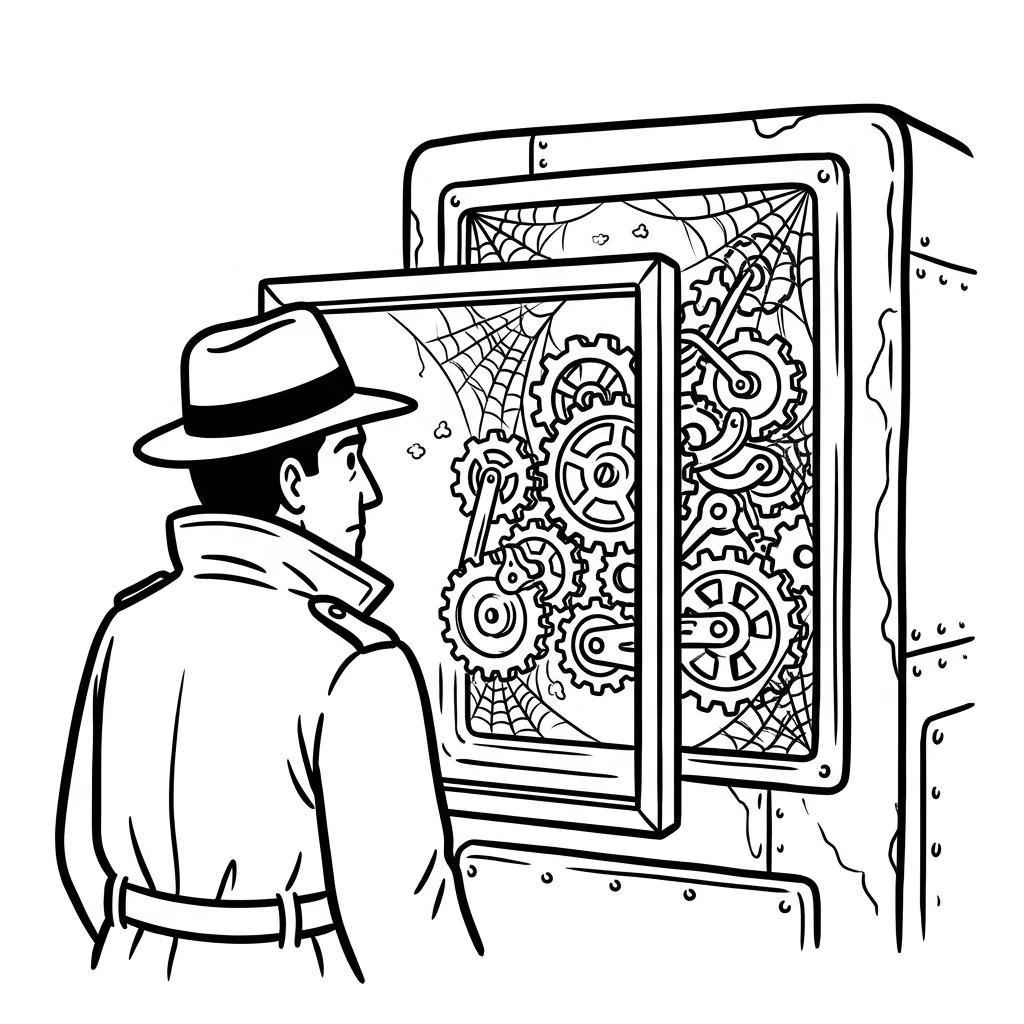
A person looks at an old machine through an X-ray screen, inside gears and cobwebs

At the end you haveThe map of the legacy system: modules, dependencies, risks, and the order in which modernising pays off.

Inventory & risk.

We X-ray code, database and interfaces, automated where possible. What depends on what, where is expertise that is documented nowhere, what fails first? That becomes a priority list with effort per module.

02

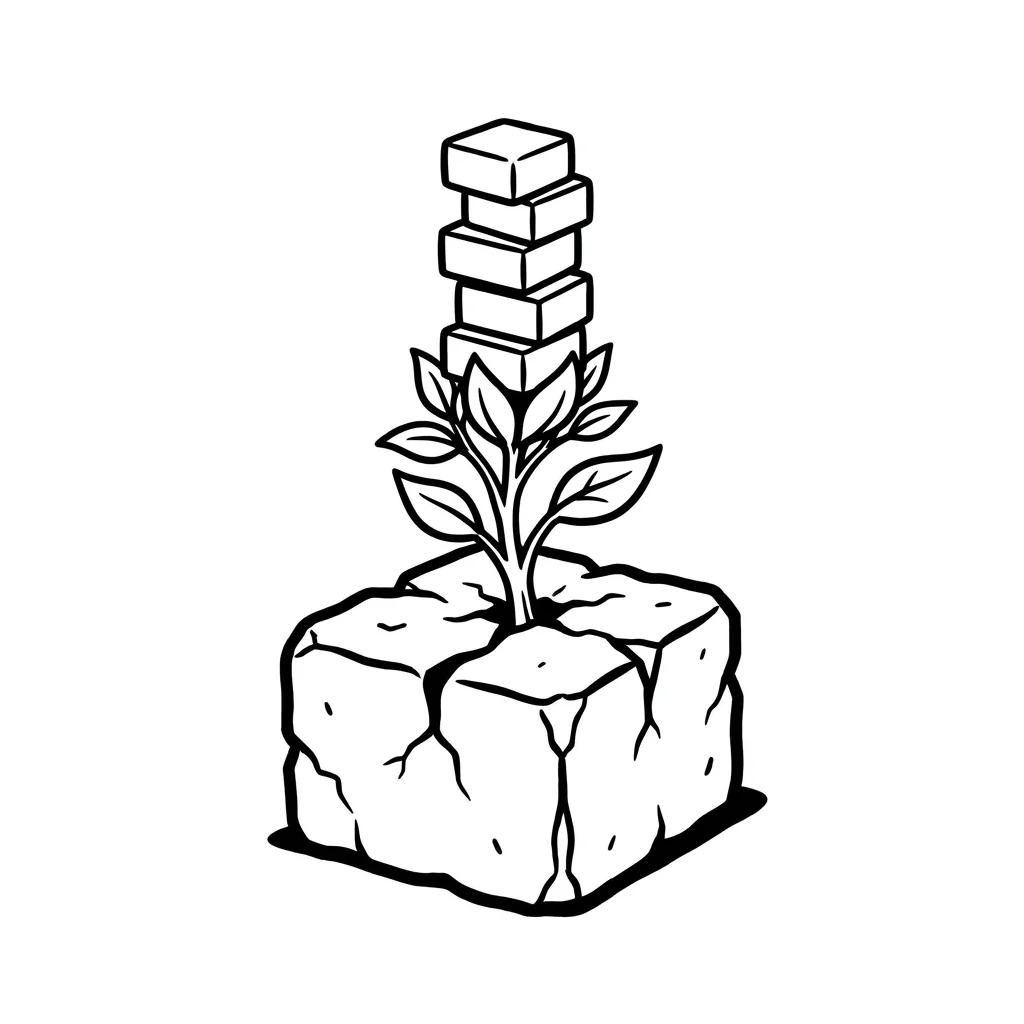
A vine grows over an old stone block and forms a new structure

At the end standsThe modernisation path: which module when, with which technology, and how the old one keeps running in parallel.

Set the path.

Interfaces first, then module by module. We decide per building block: rebuild, migrate or replace with standard, with AI tools that make old code readable and generate tests before anyone touches anything.

03

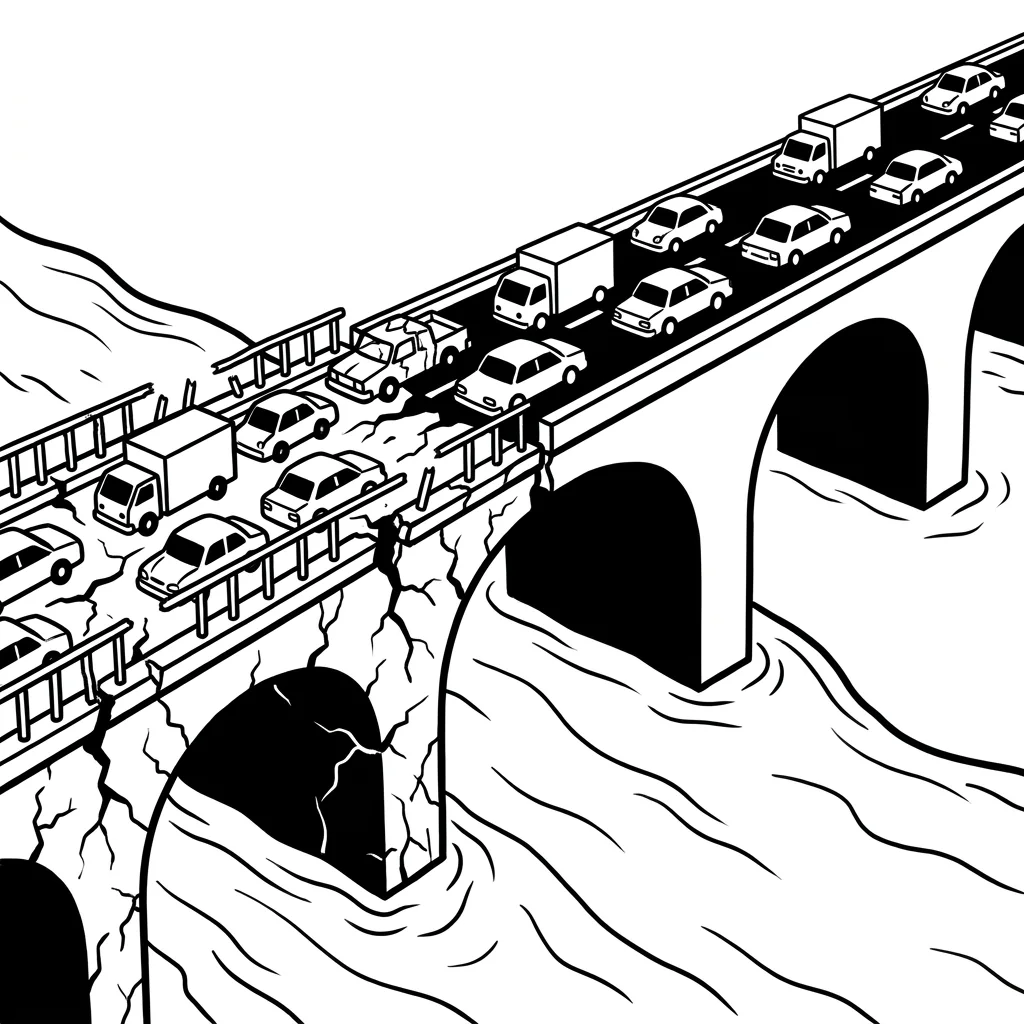
Two bridges side by side, traffic switches from the old, cracked one to the new one

At the end there runsThe new module in operation, the old one switched off, and your team can tackle the next one itself.

Replace without downtime.

New and old run in parallel, traffic is rerouted, results compared. Only when the new module holds does the old one go off. That keeps operations stable, and every stage shows what it delivered.

No big bang.

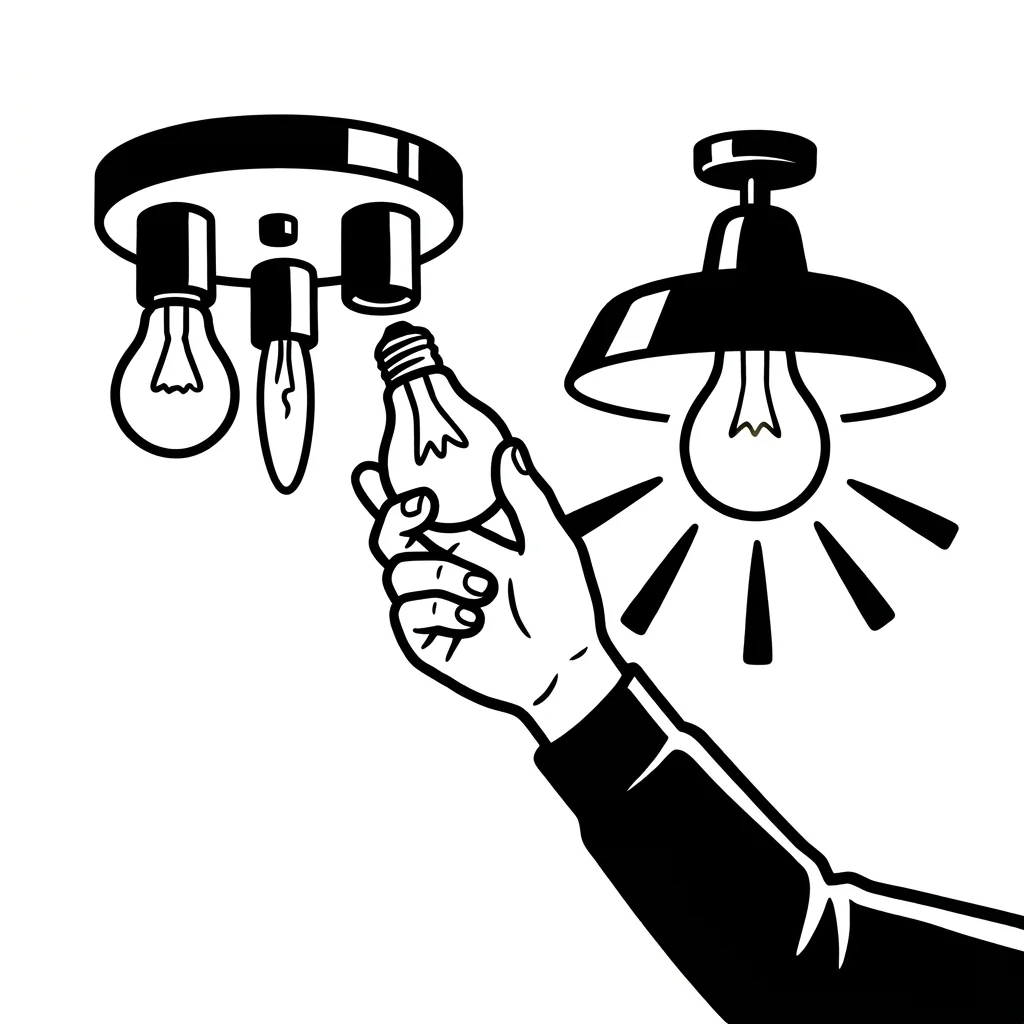
A light bulb is changed while a second lamp keeps lighting the room

The lights stay on.

No weekend where everything is switched over and nobody can work on Monday. Every stage is small enough to stay reversible, and big enough that you notice the difference.

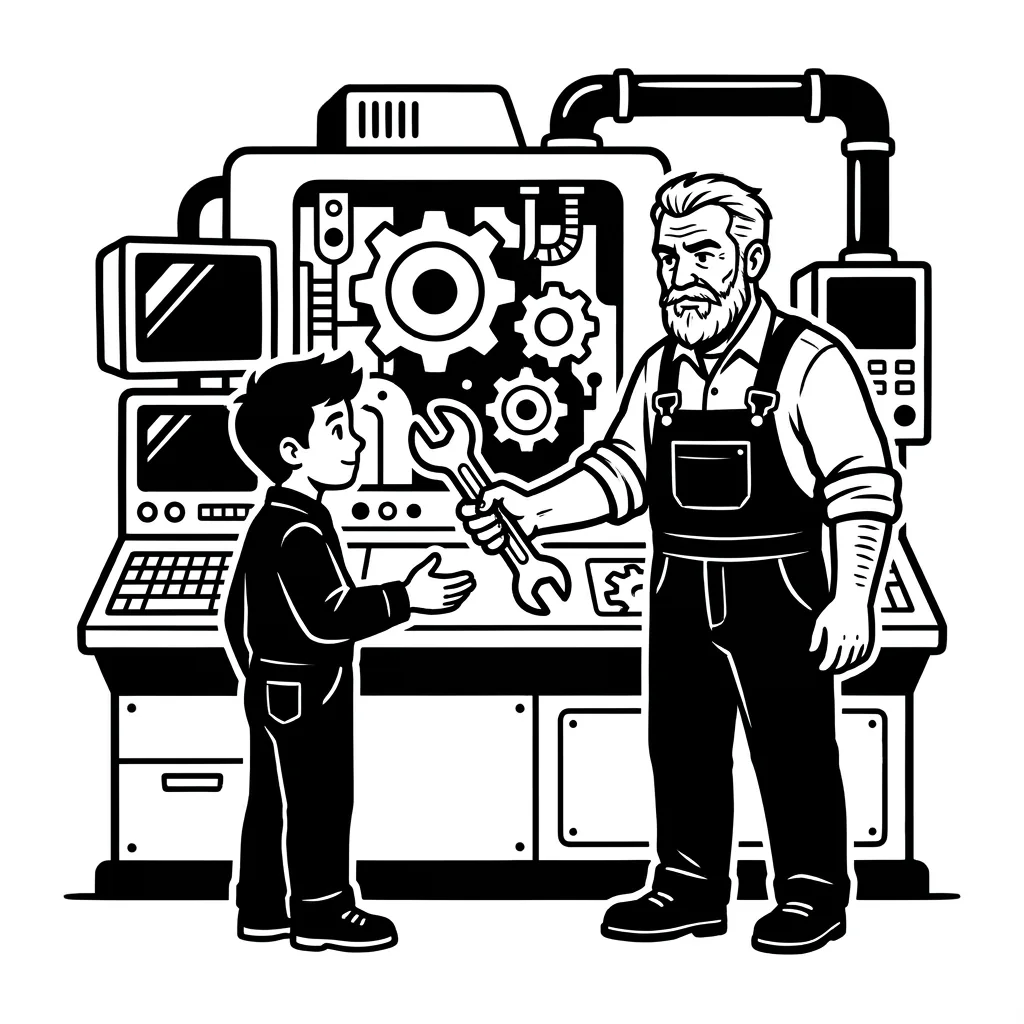
A mechanic hands an apprentice the wrench at a modern machine

Your team can do it themselves afterwards.

We modernise with your IT, not past it. Documentation, tests and tools stay with you, so that the next module works without us, if you want.

Which system does nobody dare to touch?

We X-ray it, and say what can stay.

FAQ.

How do we know it is time?

When changes take weeks because nobody wants to touch the code. When updates stop because something could break. When new requirements, an interface, an analysis, an agent, fail at the legacy system. One of these is enough.

Do we have to replace the ERP completely?

Rarely. Often the core is healthy and only the shell around it, interfaces, in-house developments, reports, has calcified. We check what can stay, what gets modernised and what should be replaced with standard. The answer is almost never "everything new".

How do we avoid downtime?

By running old and new in parallel. Every module is only switched over once it delivers the same result with real data, and can be switched back if not. No big bang, no weekend of truth.

What does AI bring to the migration?

AI tools read old code, explain it, generate tests and propose the translation into modern structures. That takes the dull work; people check and decide. As a result, modernisations are feasible today that were too expensive a few years ago.

How long does it take?

The first module is replaced in months, not years, depending on size and state of documentation. Then stage follows stage, each with a visible result. After the inventory we give you an honest estimate.